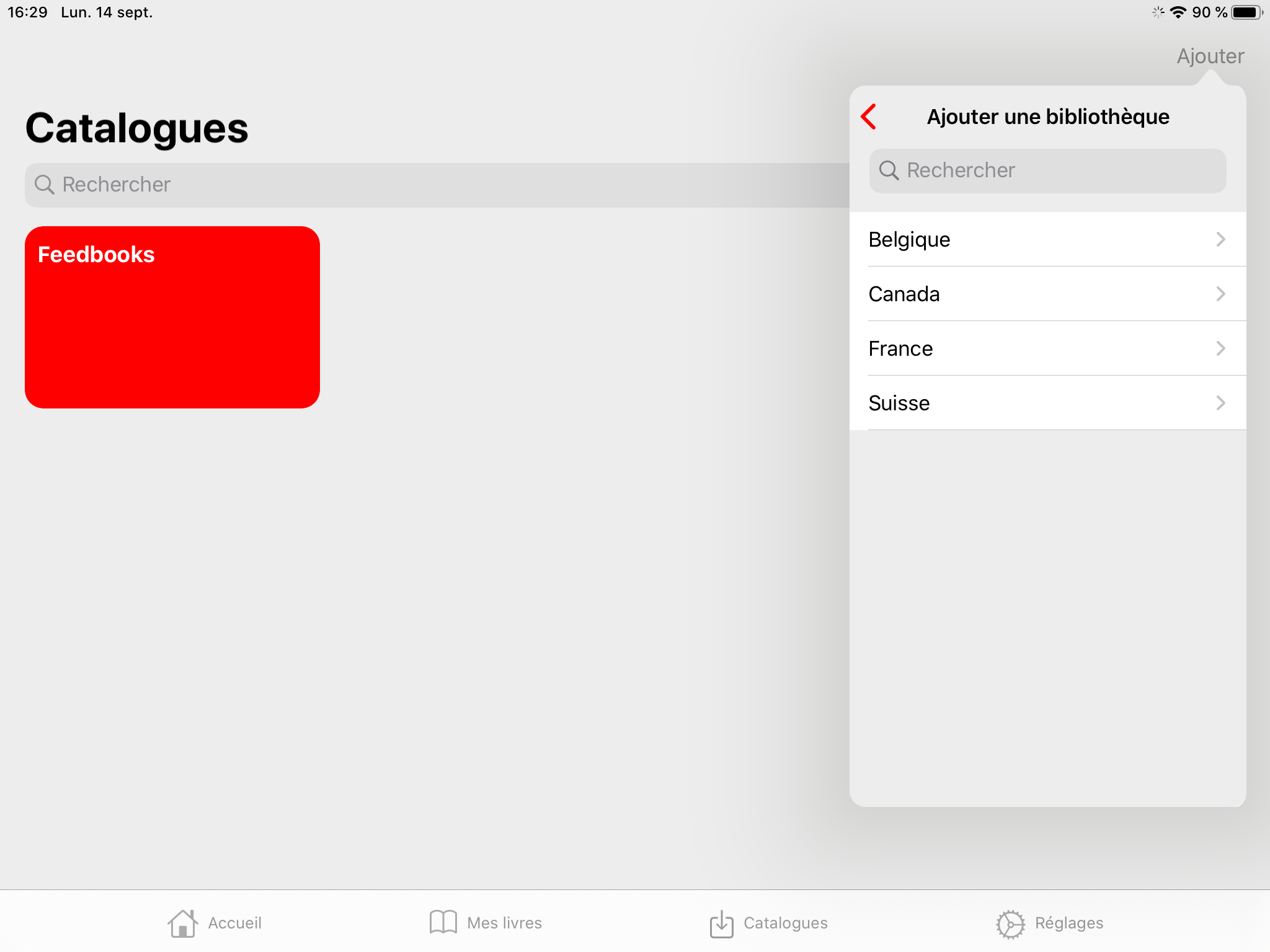
Connecting the application to a library
To borrow ebooks, you first need to add your library to the application.
-
Go to the Catalogs section.
-
Tap the + button.
-
Find your library by browsing the list.
-
Tap the + icon to the right of your library's name to add it to your catalogue.
-
Press Browse in the rectangle that contains your library's name in the Catalogs section.
-
Authenticate yourself with your library account ID and password.
Please note that authentication systems vary from library to library. Depending on the system used by your library, you may not be required to authenticate when you add a catalogue. This will only need to be done later when making a loan or reservation. If you encounter a problem during the authentication process (for example, if you have forgotten your password), please contact your library.