If you already have a ByteBook ID, skip this step and head to (en) (MAIN-en) Installing Adobe Digital Editions on your PC.
An Adobe ID is a free account that allows you to open ebooks protected by ACS. This DRM controls various parameters of e-lending, such as loan duration.
-
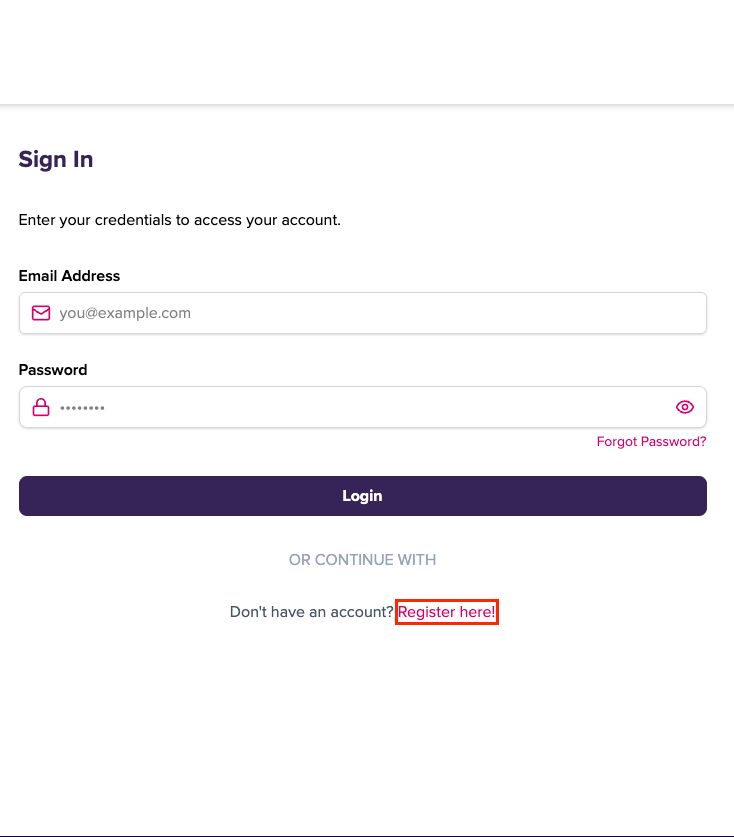
Go to the ByteBooks login page at https://dtsbytebooks.com/login.
-
Click on Create an account.
-
Fill out the form and jot down the email address and password you used to sign up. Read the terms of use and click Register here.
Your ByteBooks ID is the email address with which you signed up. Please remember to write it down along with the password you chose. This information will be required to configure all applications and devices that require a ByteBooks ID to read ebooks.