
Go to your library through your computer's Web browser.
-
In your computer's Web browser, browse your library's catalogue to find the ebook you want to borrow.
-
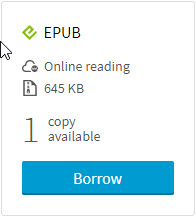
On the search results page or in the book's detailed record, click on the Borrow button.
-
Click on the Confirm your loan button.

-
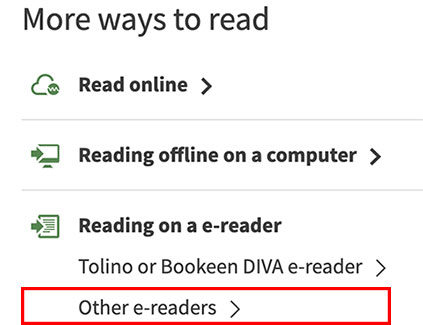
Click on the Other e-readers option to download the ebook file. You can also download the file by following the link sent to you by email.
-
Click on the file downloaded from your browser to open it. You can also access your download by opening the Downloads folder on your computer:
-
Click on your PCc's desktop.
-
Click on the Downloads folder.
-
Click New Finder Window.
-
Click on the downloaded file. The file will have a .acsm extension.
-
The downloaded file will have a .acsm extension due to the DRM.